
Several lists
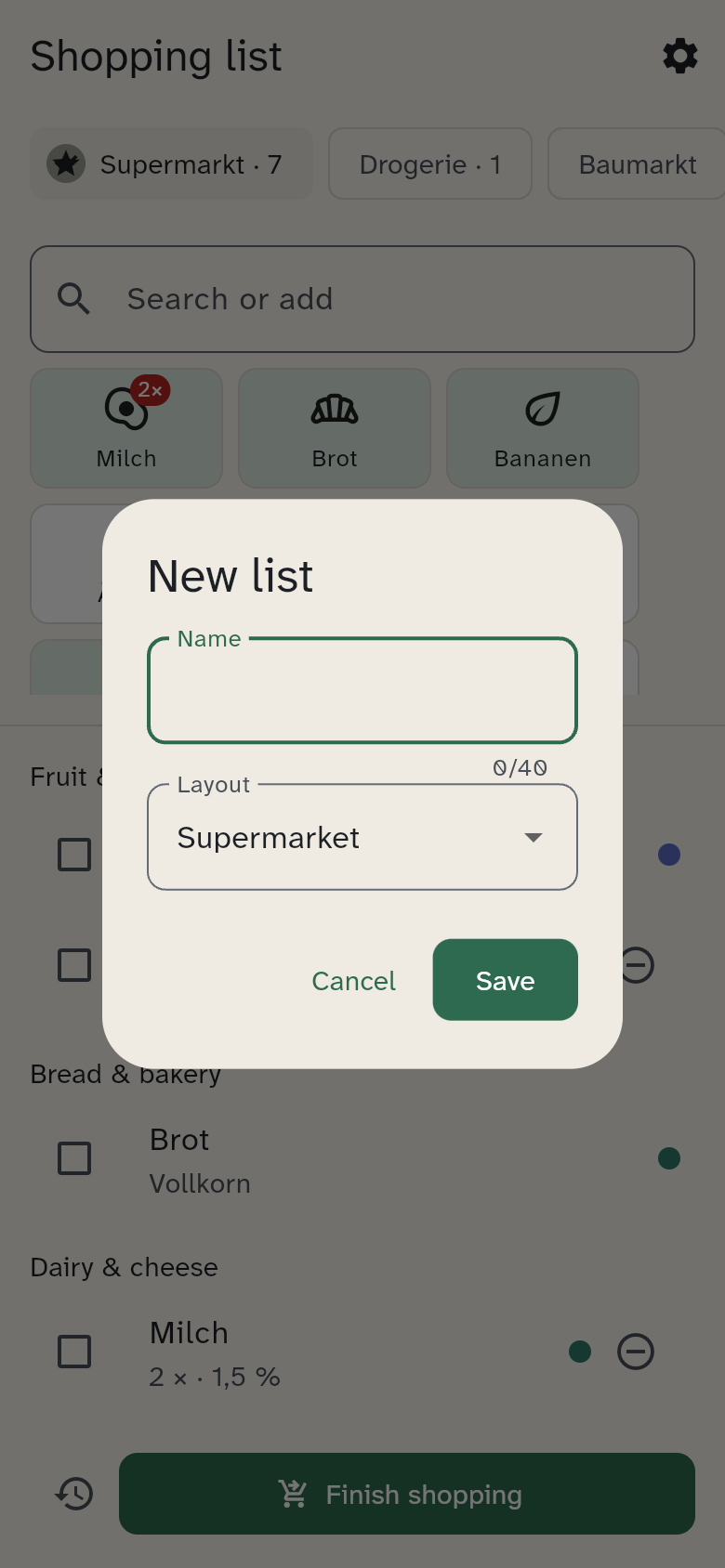
Not everything comes from the same shop. WuselWall therefore has several lists, such as Supermarket, Drugstore and Hardware store. Pick one at the top; the number after the name shows how many items are still open.
Creating a list
- Tap New list at the top.
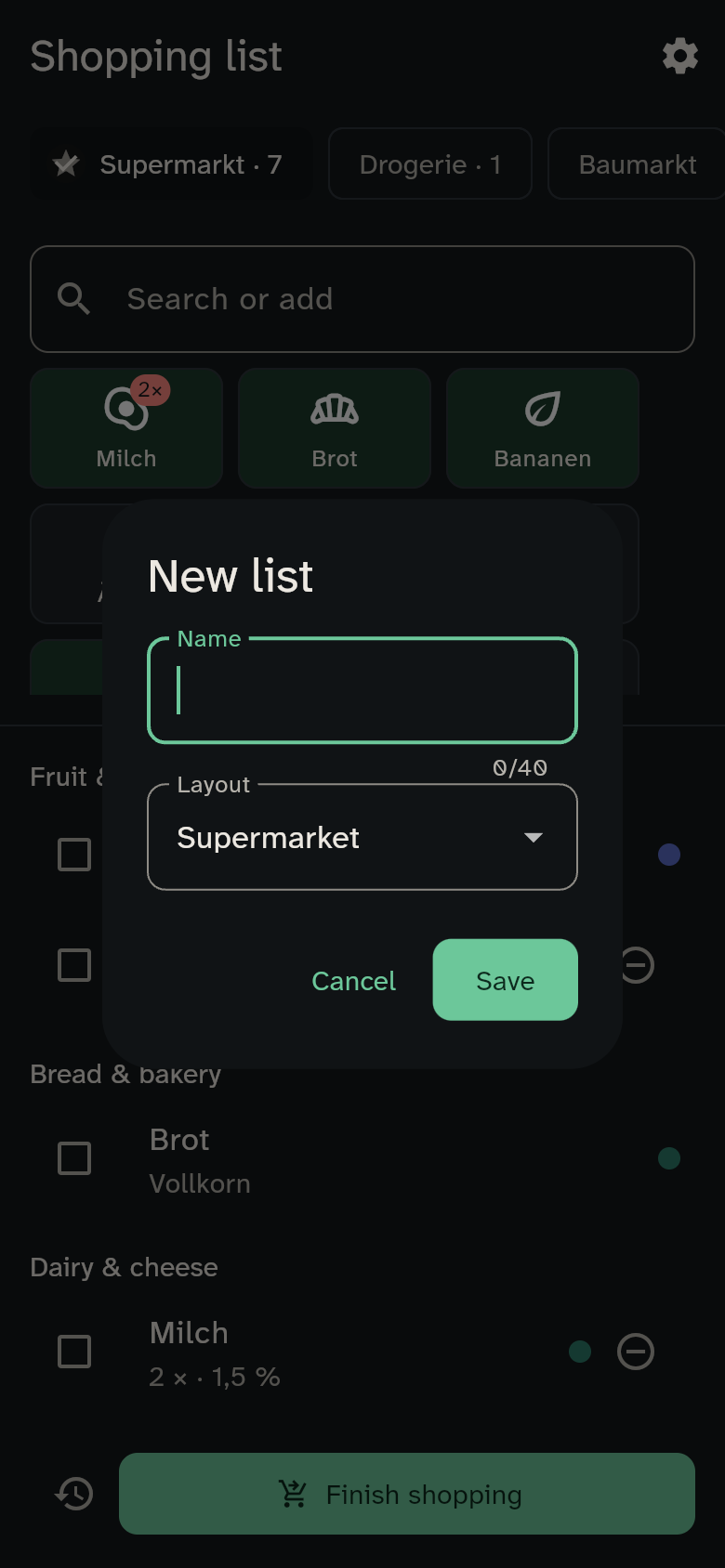
- Enter a name and choose the layout: supermarket, drugstore, hardware store or other.
- Save.
The layout sets the categories, in the order you walk through the shop — so in the store the list reads top to bottom with no backtracking. The hardware list won't suggest bananas.
The default list
A star marks the default list (the supermarket at first). It is the only one the wall display writes to. To make another list the default, select it and then press and hold its name.
Every list has its own tiles: what you buy at the hardware store never shows up at the supermarket.