
Members and devices
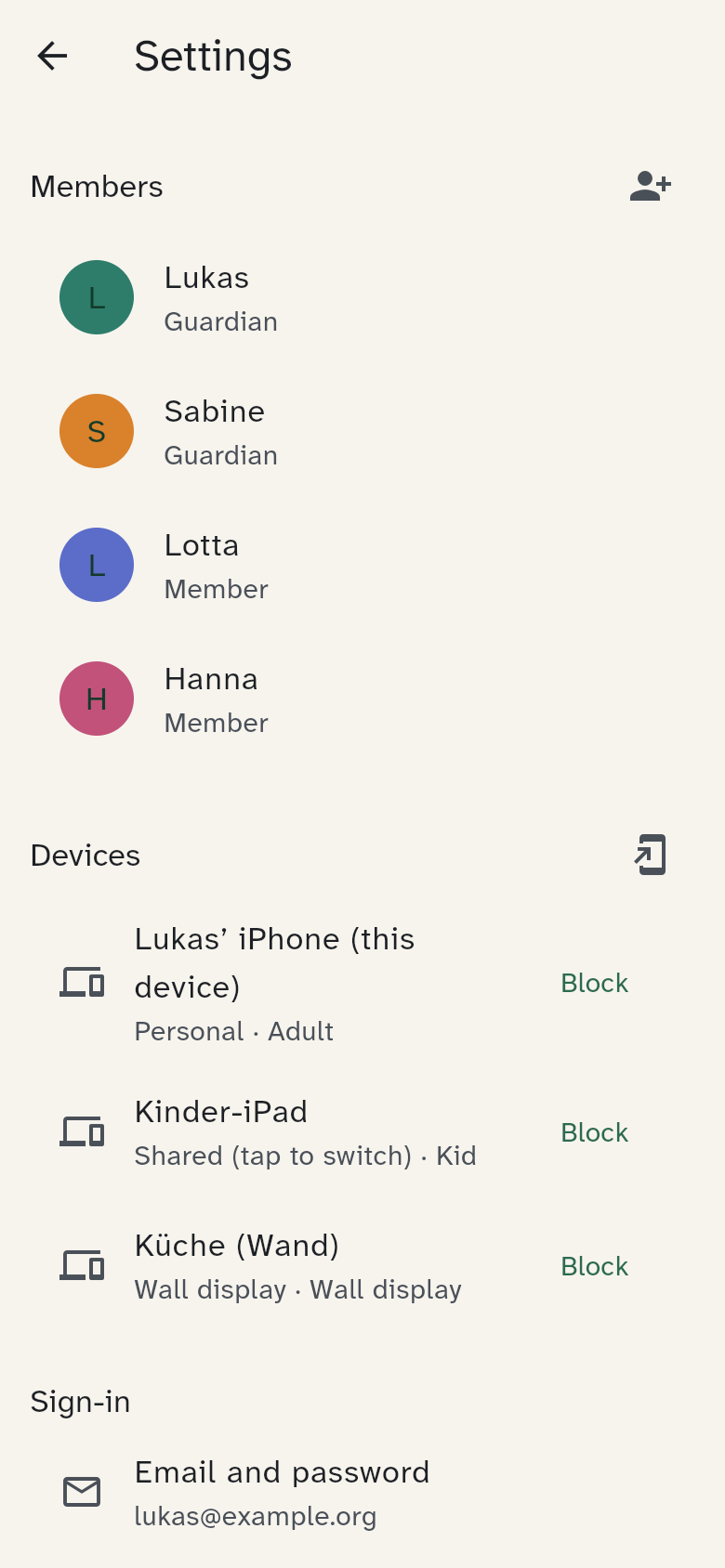
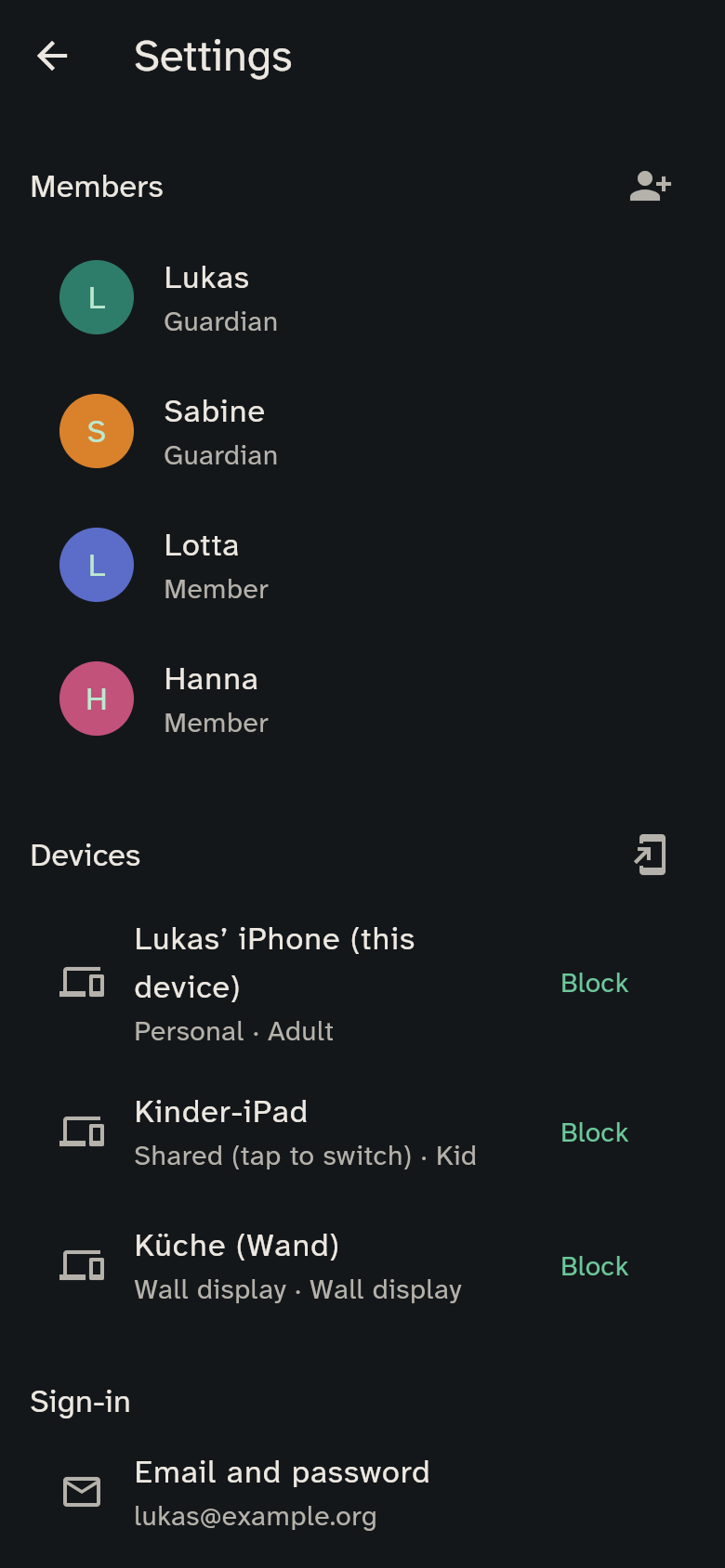
This belongs to the guardians. On your phone, open the gear at the top right (Settings).
Adding a member
Tap Add member and enter a name. WuselWall assigns the next free colour automatically. New people are "members"; adding further guardians isn't possible yet.
Adding a device
- Tap Add device.
- Enter a device name, choose the type (shared or wall display) and tap Create code.
- On the new device, enter the code or scan the QR code (Setting up).
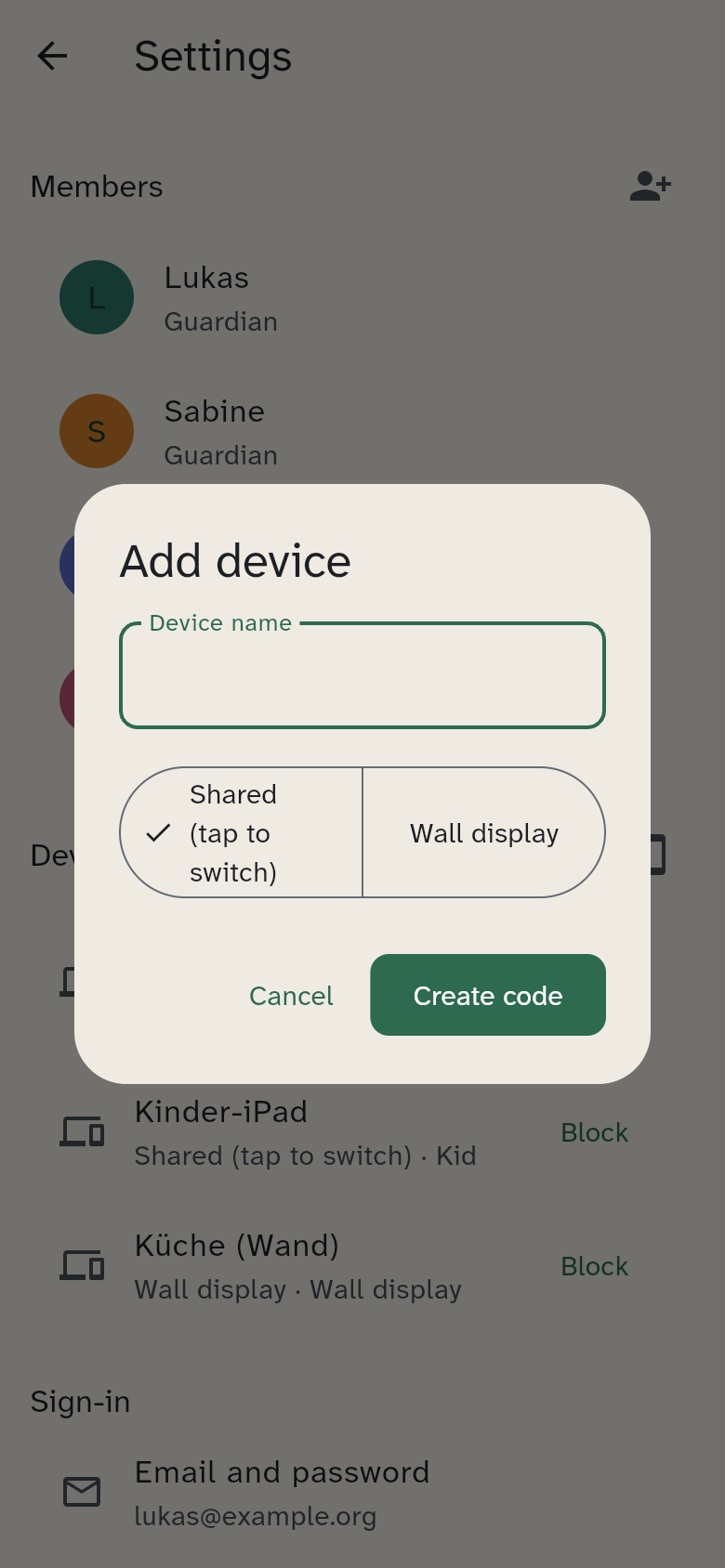
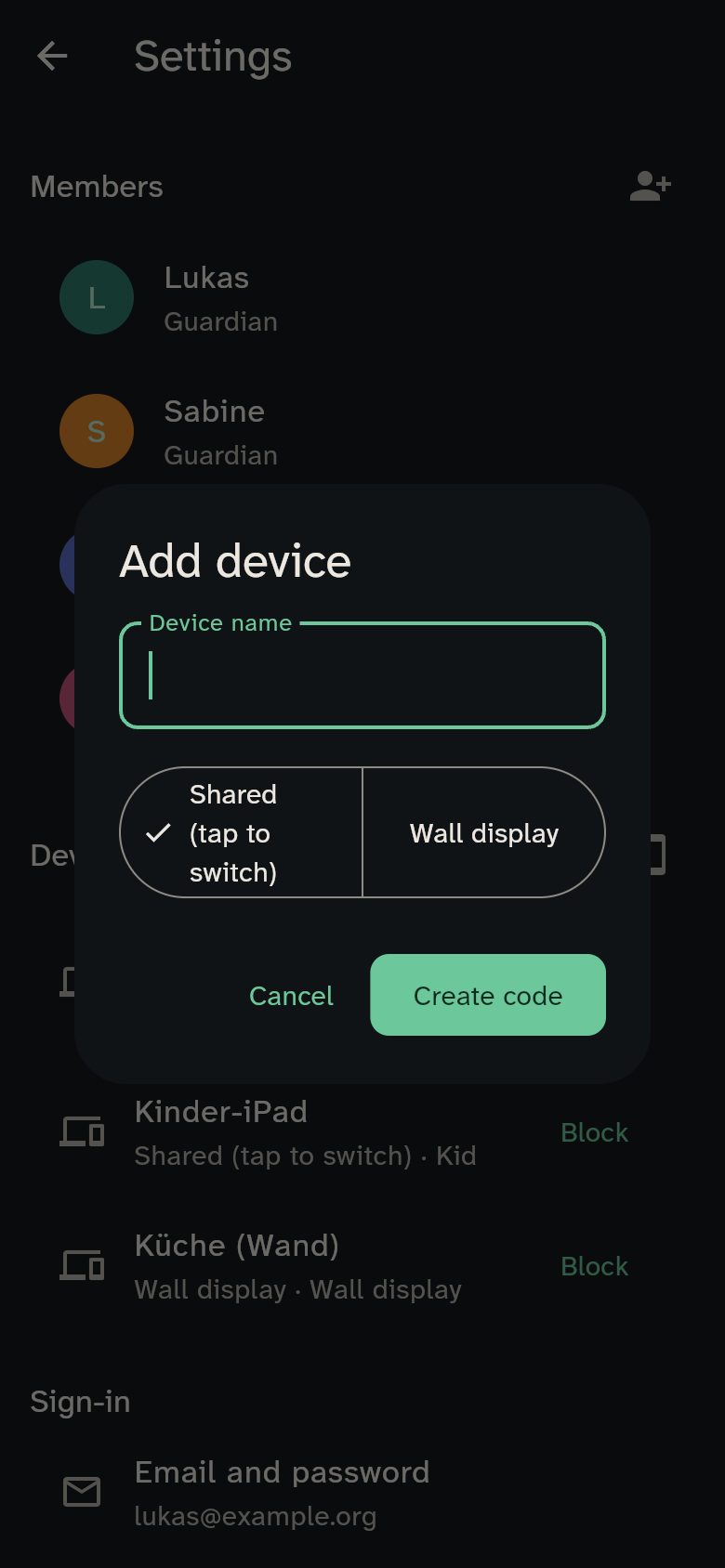
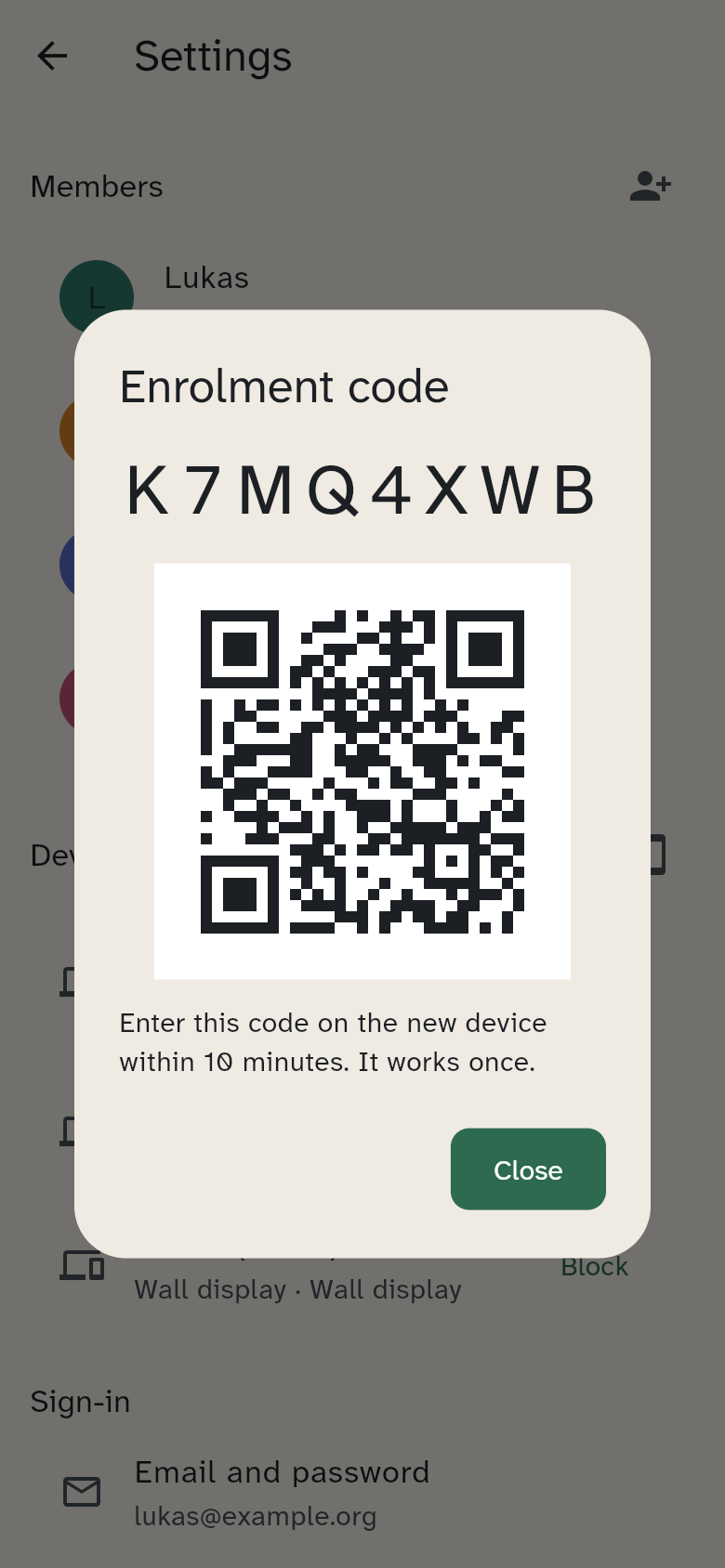
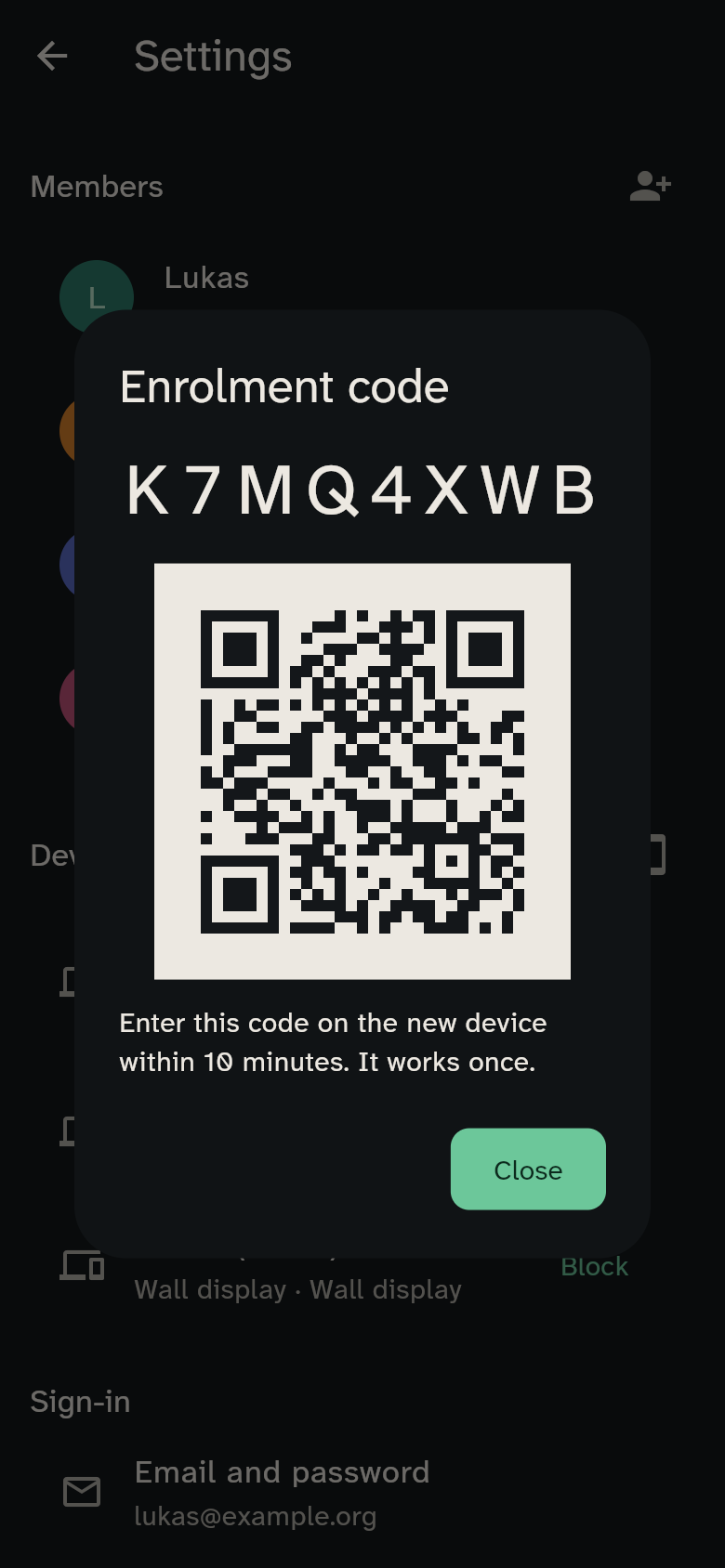
The code is valid for 10 minutes and works once.
Blocking a device
If a phone is lost or a tablet changes hands: tap Block in the device list. The device loses access immediately — even if it is open right now. Blocked devices stay in the list so you can see what happened.
On your own phone you can also sign out yourself with Sign out this device.