
Adding items
An item should be on the list within three seconds — even one-handed, in front of an open fridge. That is what the tiles are for.
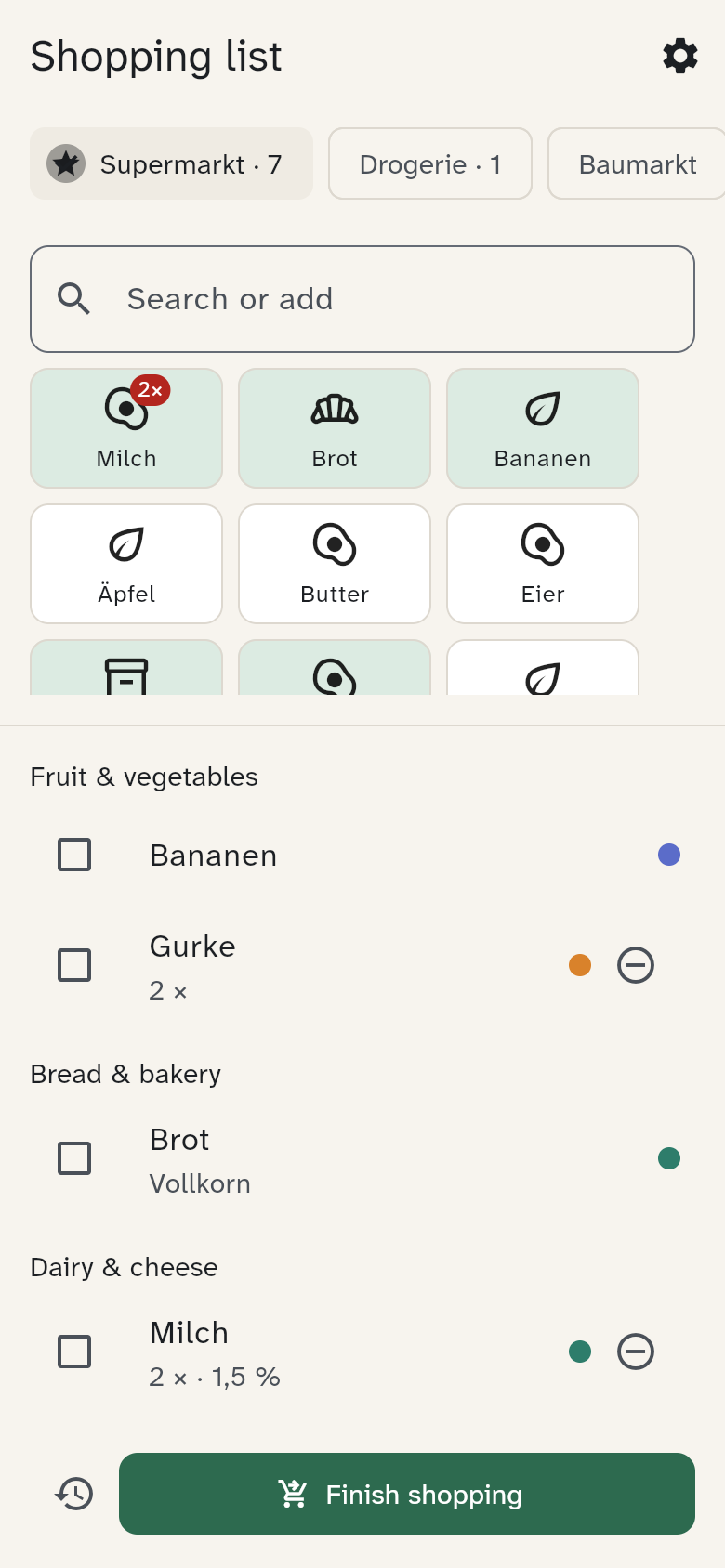
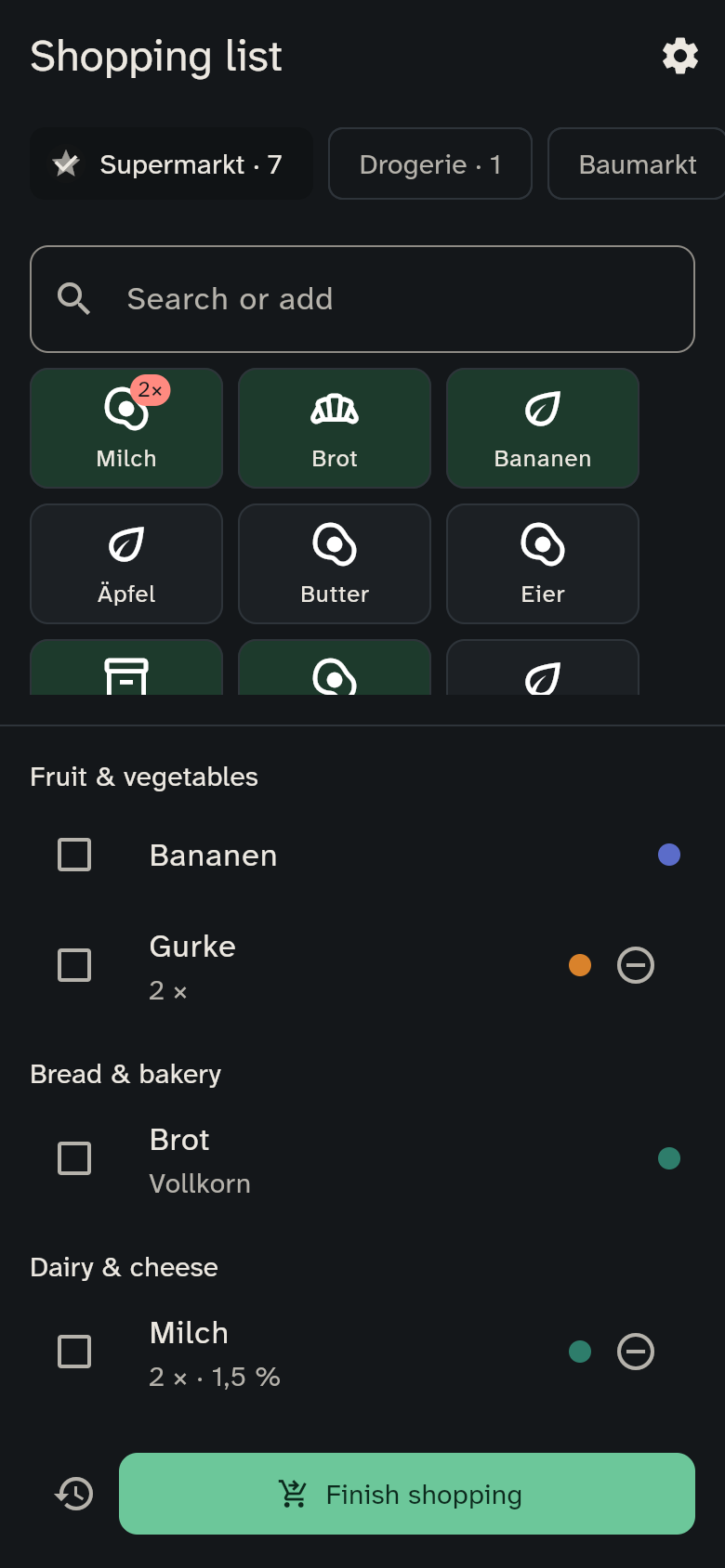
Tiles
At the top you see tiles for what you bought most recently and most often. Nobody maintains this list: it builds itself when you finish a trip.
- Tap once to put the item on the list. Its tile turns green.
- Tap again to count up: "2×", "3×" … The small − in the list takes one away.
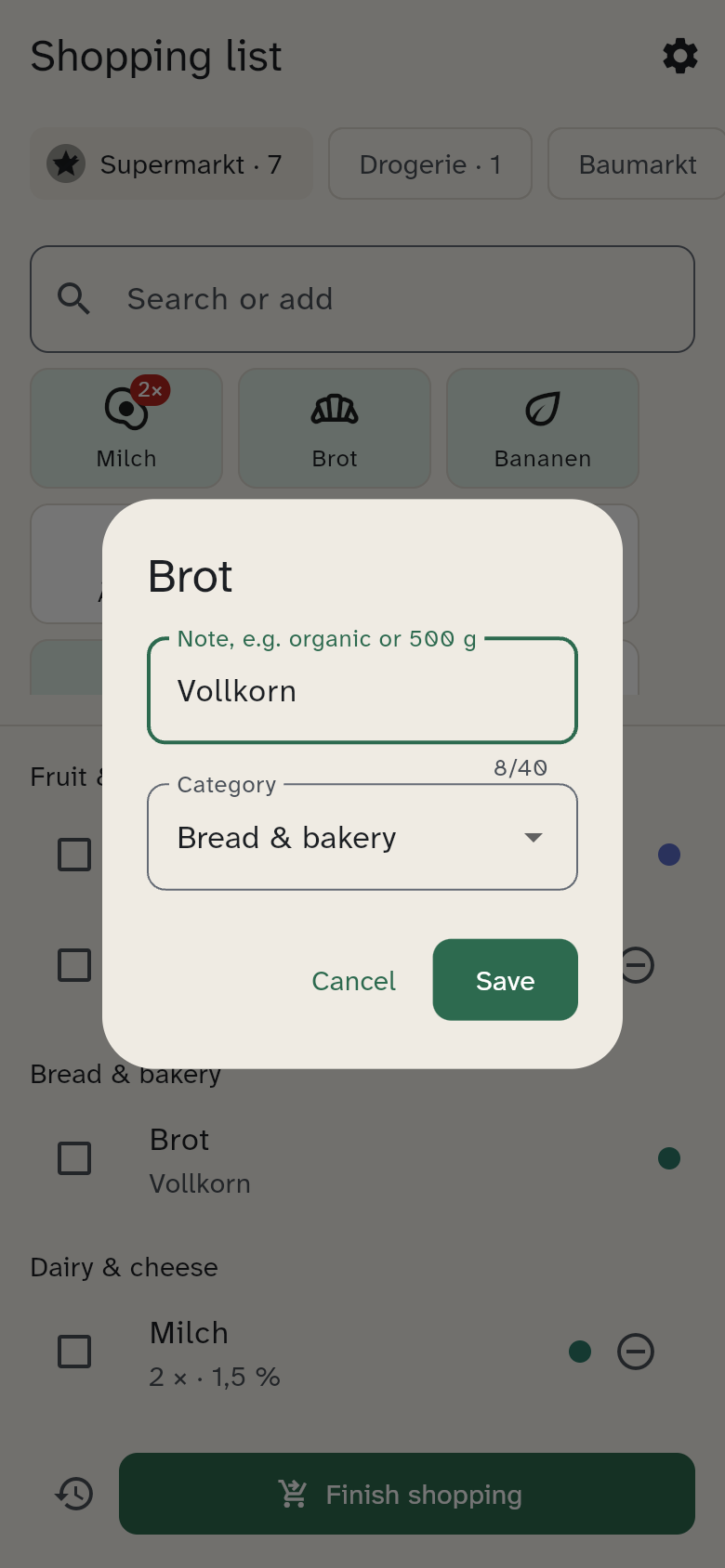
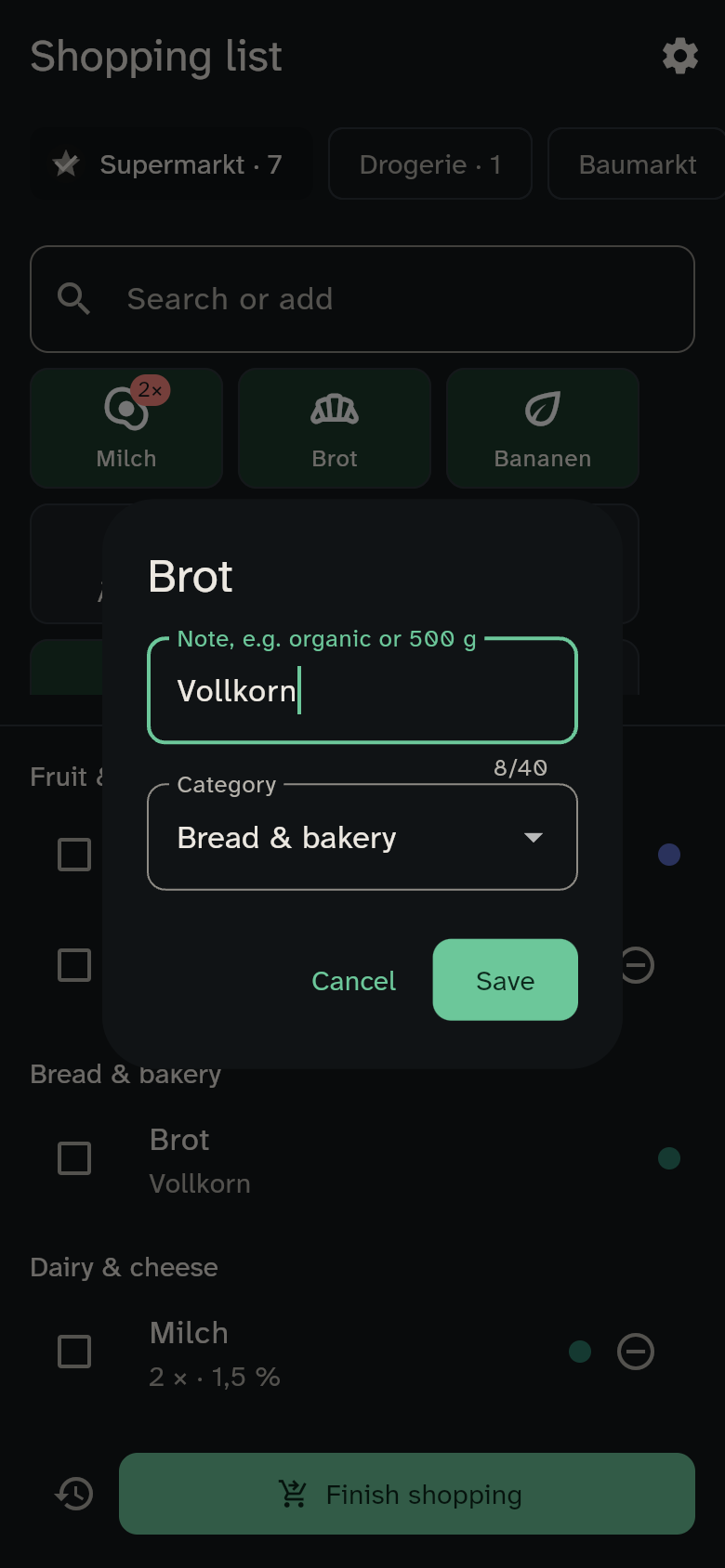
- Press and hold to add a note for that item, such as "organic", "500 g" or "tin".
Search and create
Start typing and the tiles shrink to the matching ones. Case, umlauts and accents don't matter: "kaese" finds "Käse", "klopapier" finds "Toilettenpapier".
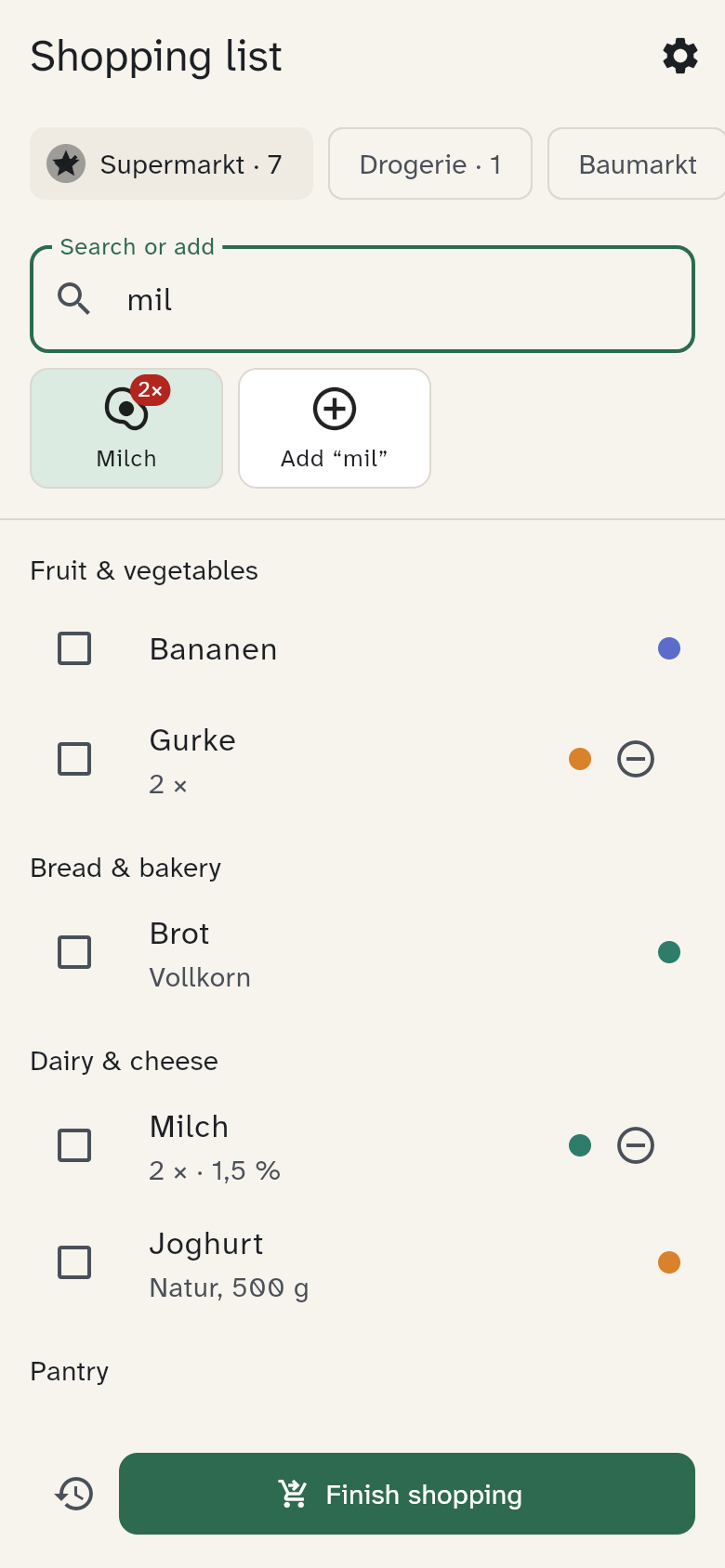
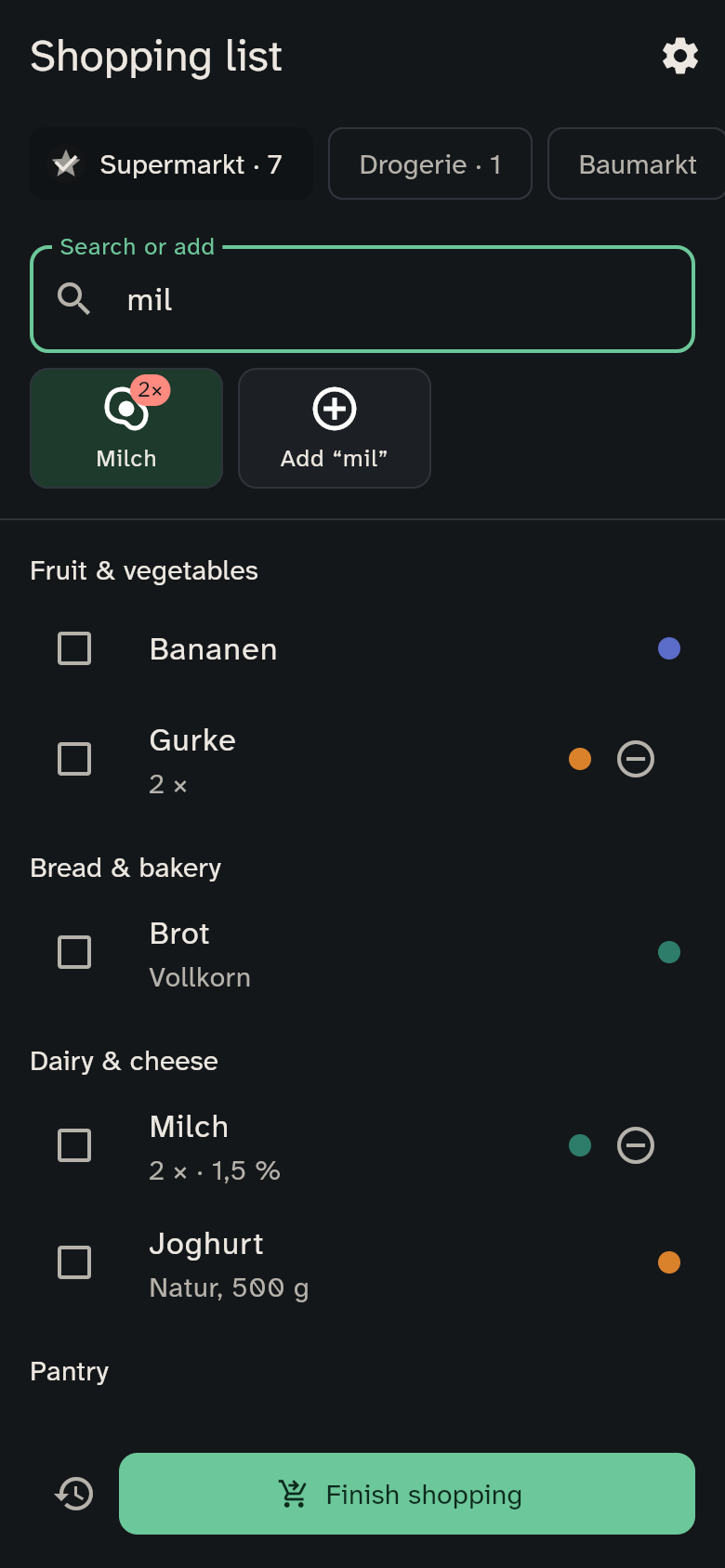
- Enter adds the first match.
- If WuselWall doesn't know the name yet, an "Add …" tile appears. The item goes on the list as free text and becomes a normal tile after your next trip.
Changing a note or category
Press and hold an item in the list to add a note or change its category. WuselWall remembers the category for next time.
Who put it there?
Next to each item, a small dot in that person's colour shows who added it. "Who put the gummy bears on the list?" answers itself.