
In the store
The list is built for shopping: big targets, usable one-handed and with gloves.
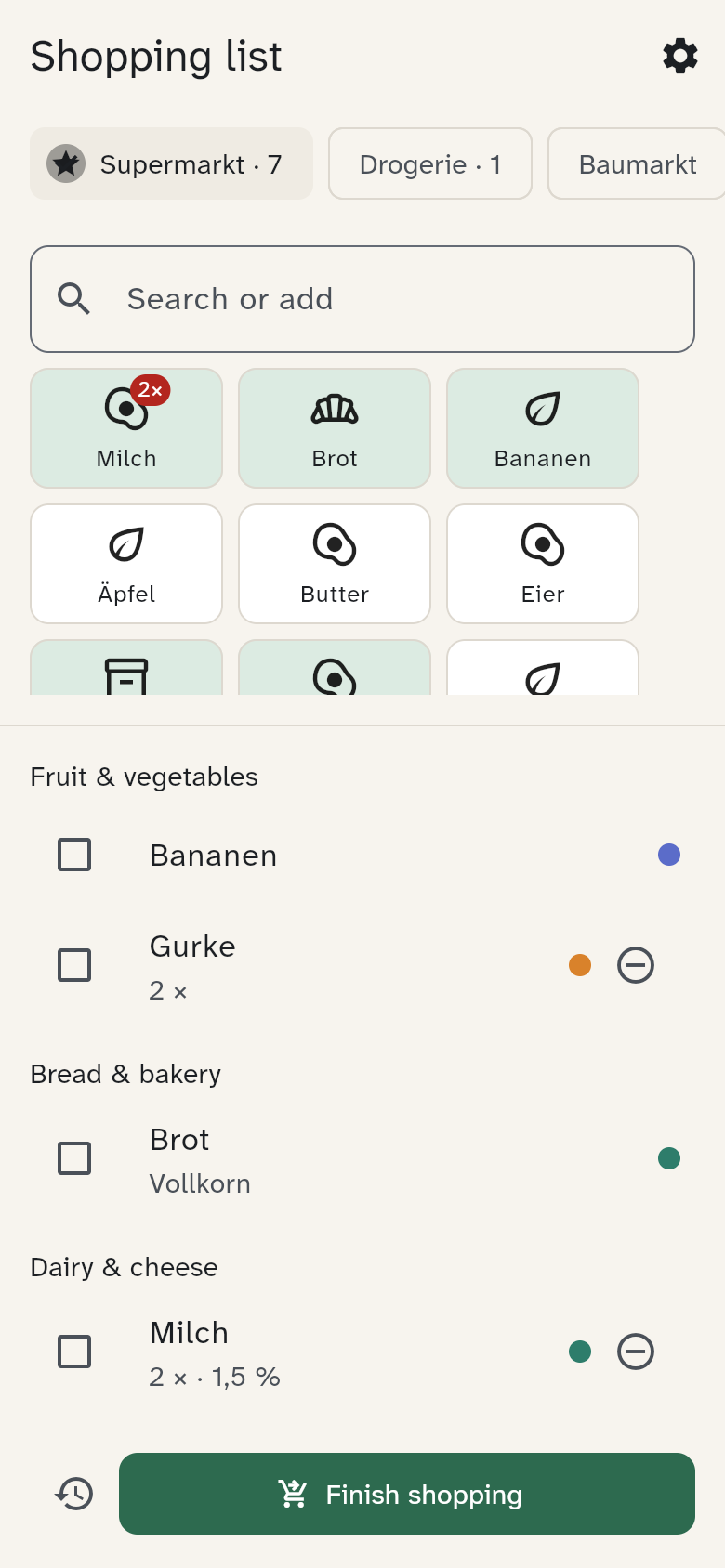
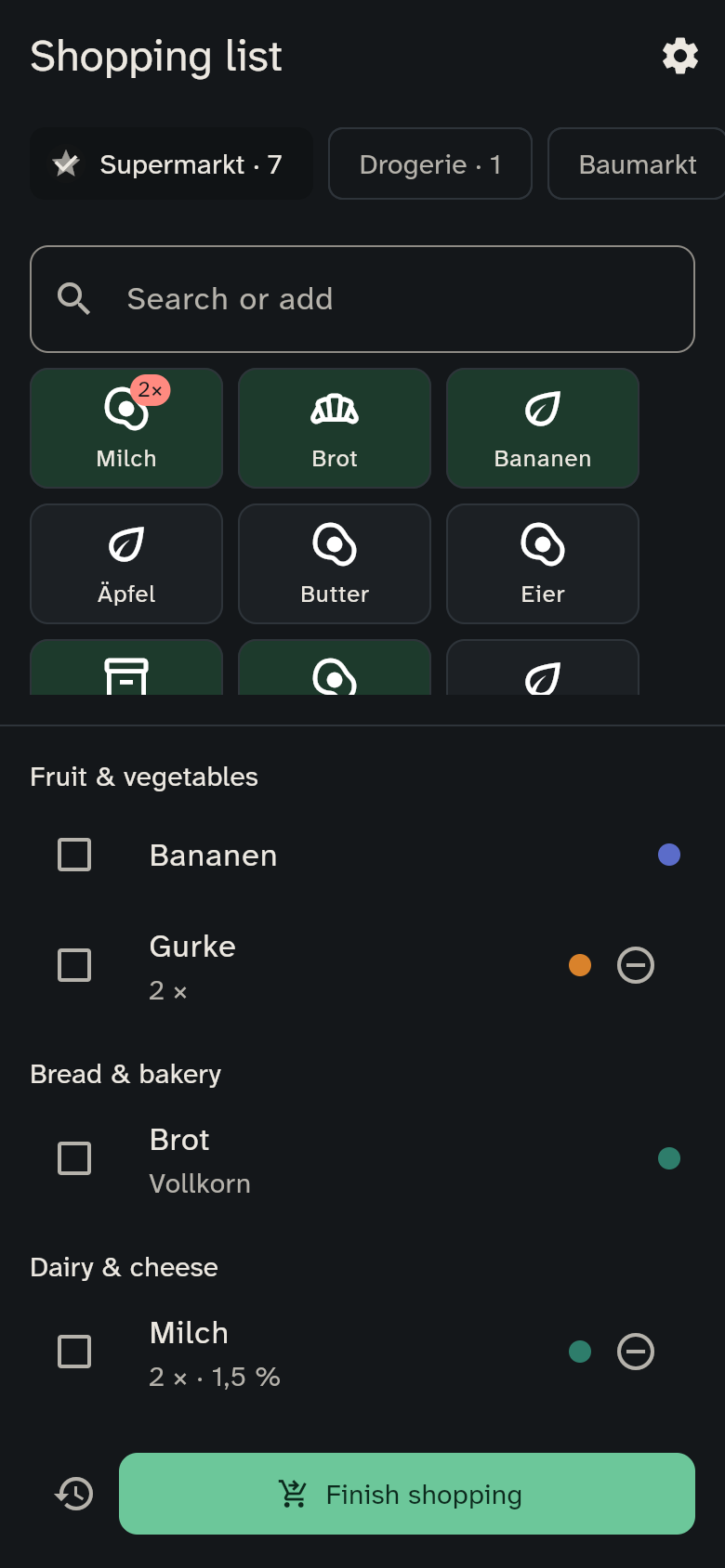
Ticking
- Tap anywhere on a row (at least 56 pixels tall) to tick an item.
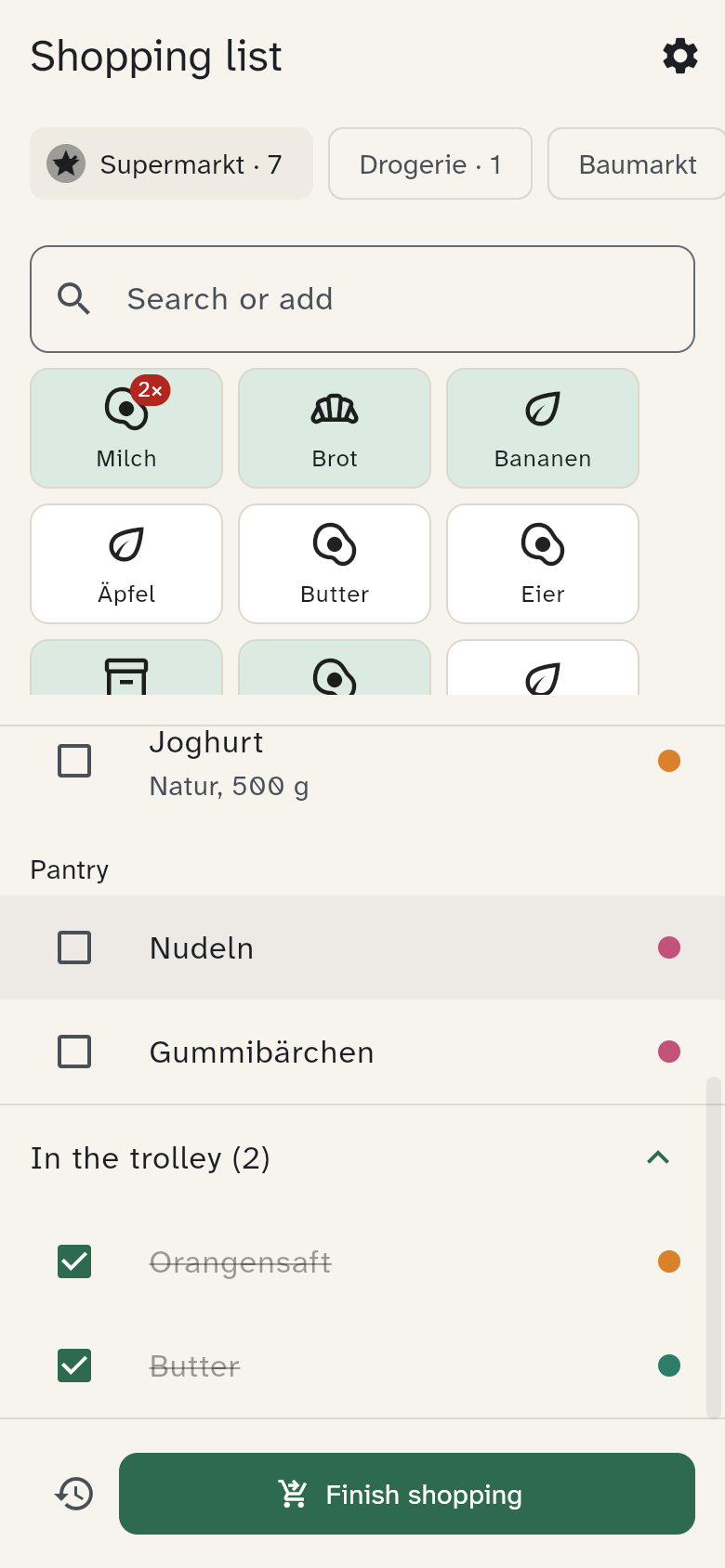
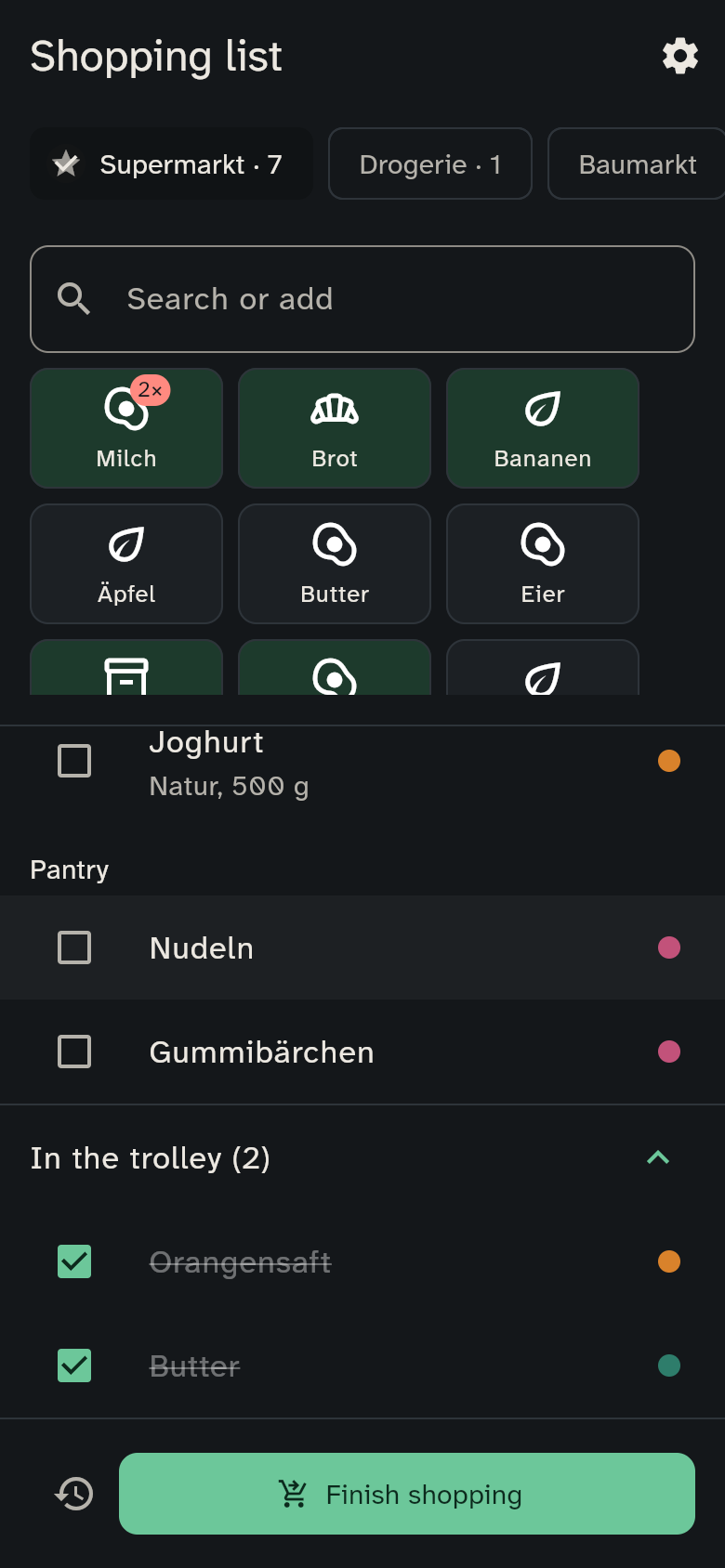
- Ticked items don't disappear; they move to the collapsed "In the trolley" section at the end. An accidental tick is undone with one tap.
Shopping at the same time
Two people in different aisles see each other's ticks within a second or two — nothing to reload.
Finishing the trip
When you're done, tap Finish shopping at the bottom.
- Everything ticked is completed and stored in the history.
- Whatever is not ticked stays on the list.
- The items you bought become tiles for next time.
The button is only active once at least one item is ticked.
Offline
The list works without signal too: adding, ticking, changing the count and Finish shopping carry on as usual. Anything the server has not received yet carries a small cloud icon, and the top of the list says, for example, "2 changes waiting to be sent". As soon as there is a connection again, WuselWall sends everything by itself, in the right order.
On an iPhone this only happens while the app is open: if you closed it in the shop without signal, it sends the next time you open it. Creating a list and changing the default list need a connection.