
Meals
The meal plan answers the question "What's for dinner?". The shopping list grows out of it.
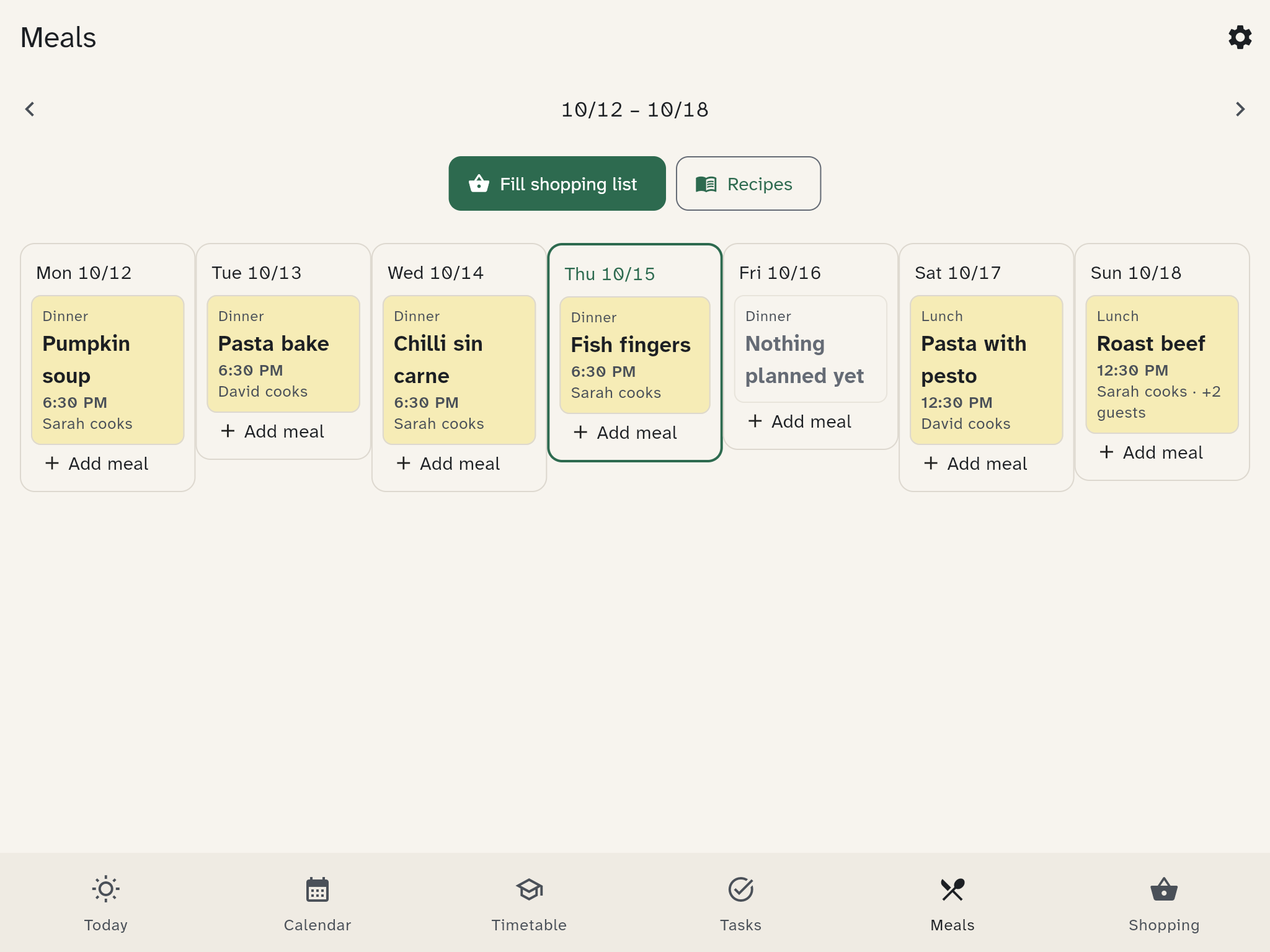
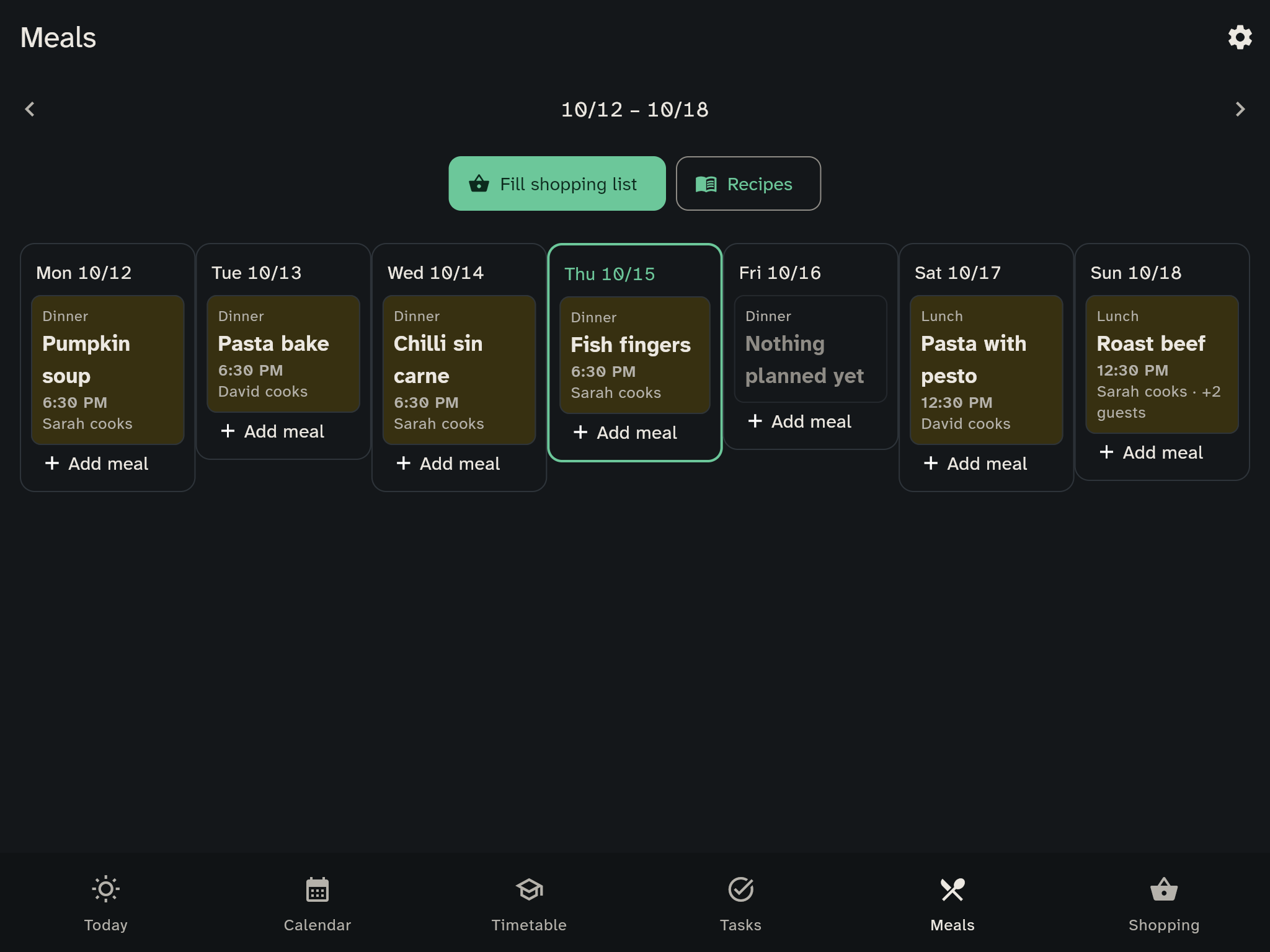
Planning the week
The week shows each day with Breakfast, Lunch, Dinner and Snack. Tap a meal or Add meal to plan it. Move with Previous week, Next week and This week. If you remove a planned meal, WuselWall offers Undo for a moment.
- A meal is a dish or a note, such as "Pizza" or "Leftovers", or a recipe.
- You also set the servings, who cooks, a time and guests.
- To move a meal, long-press it and drop it on another day.
Suggestions
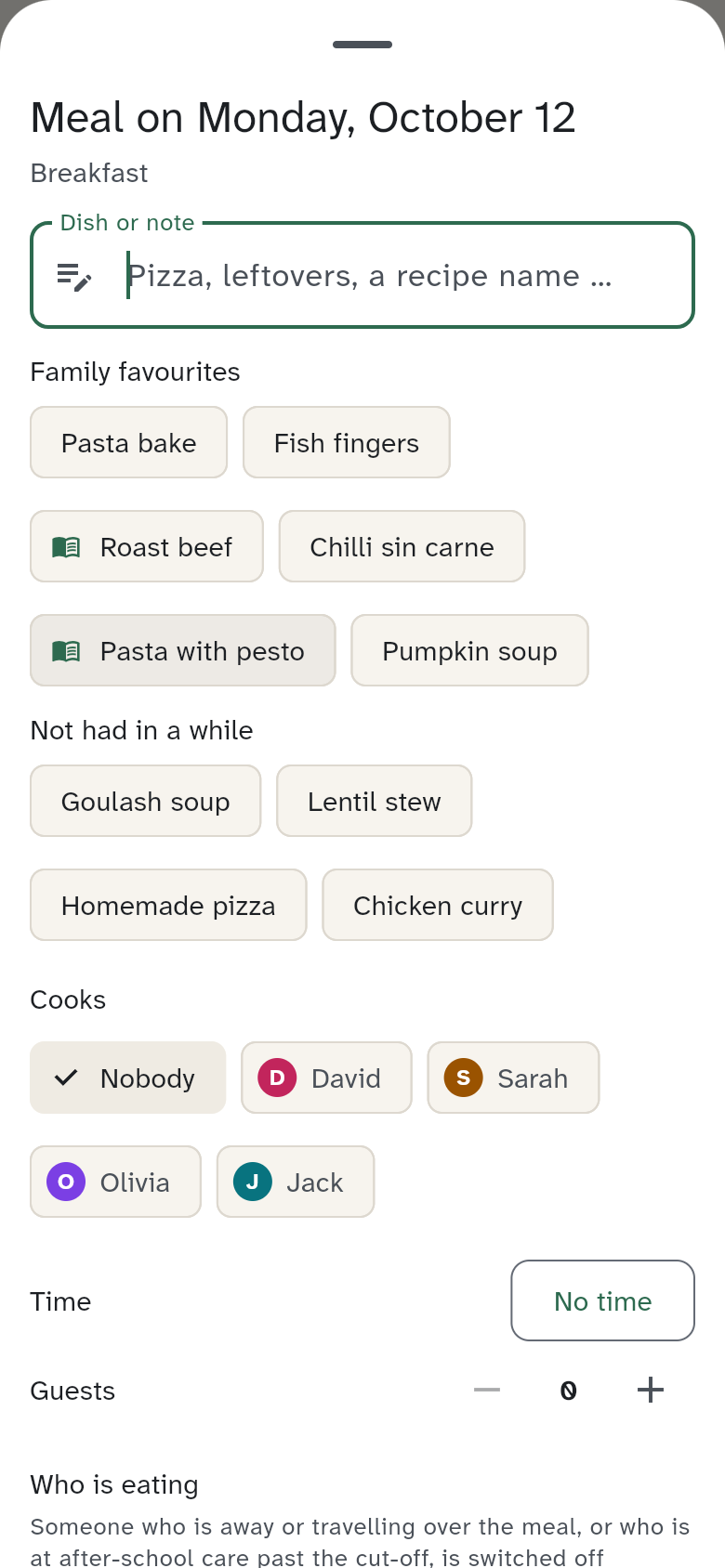
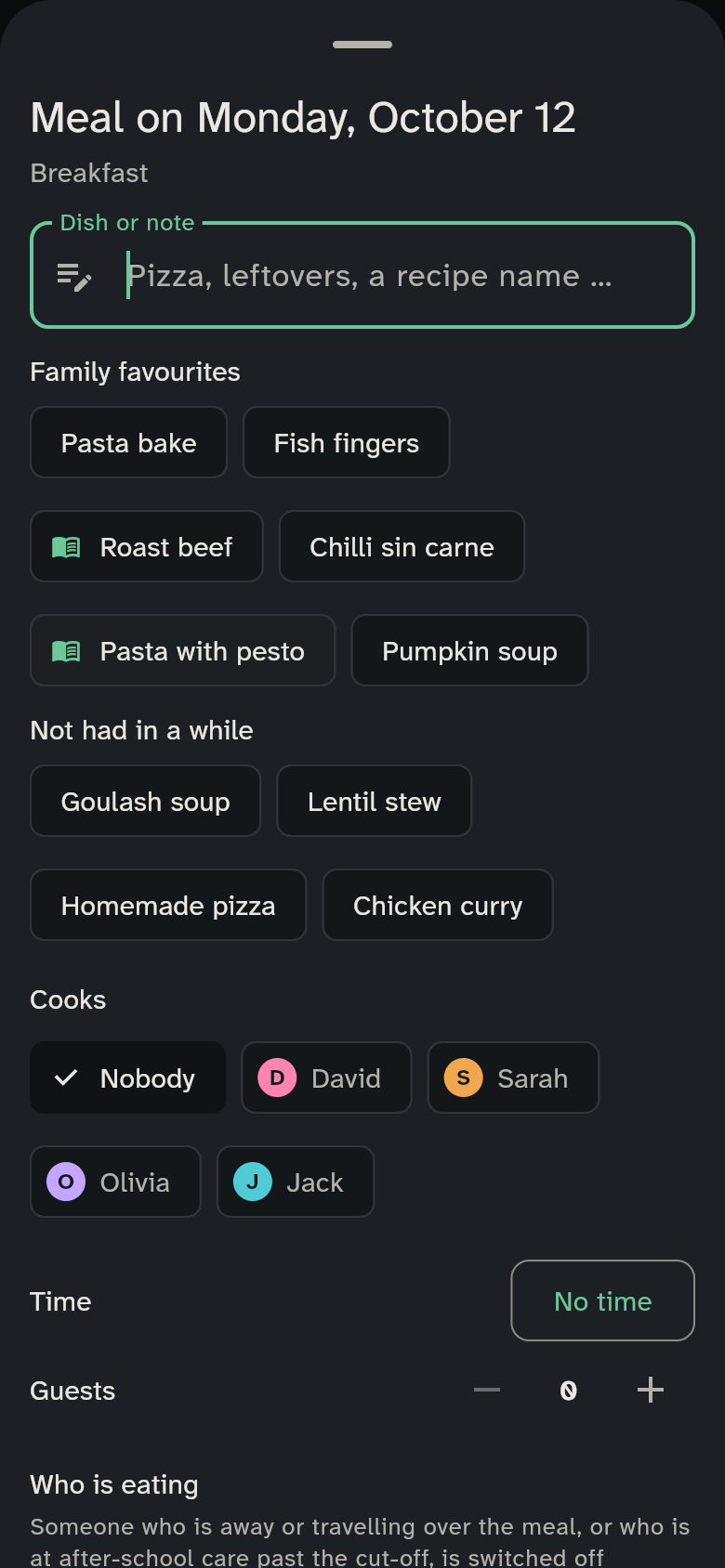
Not sure what to have? Leave the meal's name empty. WuselWall then shows two rows:
- Family favourites: dishes cooked in the last 90 days
- Not had in a while: dishes not cooked for more than 60 days
A tap fills in the name and the recipe. The basis is your meal plan of the past days.
Who is eating?
WuselWall works this out automatically. Anyone who is travelling or away at mealtime, and anyone no longer there after the after-school club closes, is not eating. Only set it by hand when that is not right:
- Automatic (the usual case)
- Eating
- Not eating
Filling the shopping list
Fill shopping list previews what the planned meals still need, which meal each item is for and what is already on the list. Tap Add item, and the ingredients go onto the shopping list. Free-text notes have no ingredients; recipes do. An item that comes from the meal plan carries the label From the meal plan and shows which meal it is for, for example "For: Lasagne · Wed".
Recipes
Under Recipes you save what you cook often:
- Ingredients with amount, unit and note, in the order you like
- Steps, one per line
- Tags, such as "quick" or "vegetarian"
- a Source link, if you found it online
When you plan a meal, WuselWall suggests matching recipes (see Suggestions). Tap one to use it; its ingredients then go on the shopping list.
On the kitchen wall
A tap on the meal area shows the week's meals. Tap a dot afterwards to change who is eating.
The wall shows one warm meal per day. Which meal that is, and how school days and free days count, is set under Household settings.