
Household settings
Not every family does things the same way: how many points a chore earns, whether children may change appointments, or when the kitchen wall switches over may differ for you. You set this under Settings → Household settings.
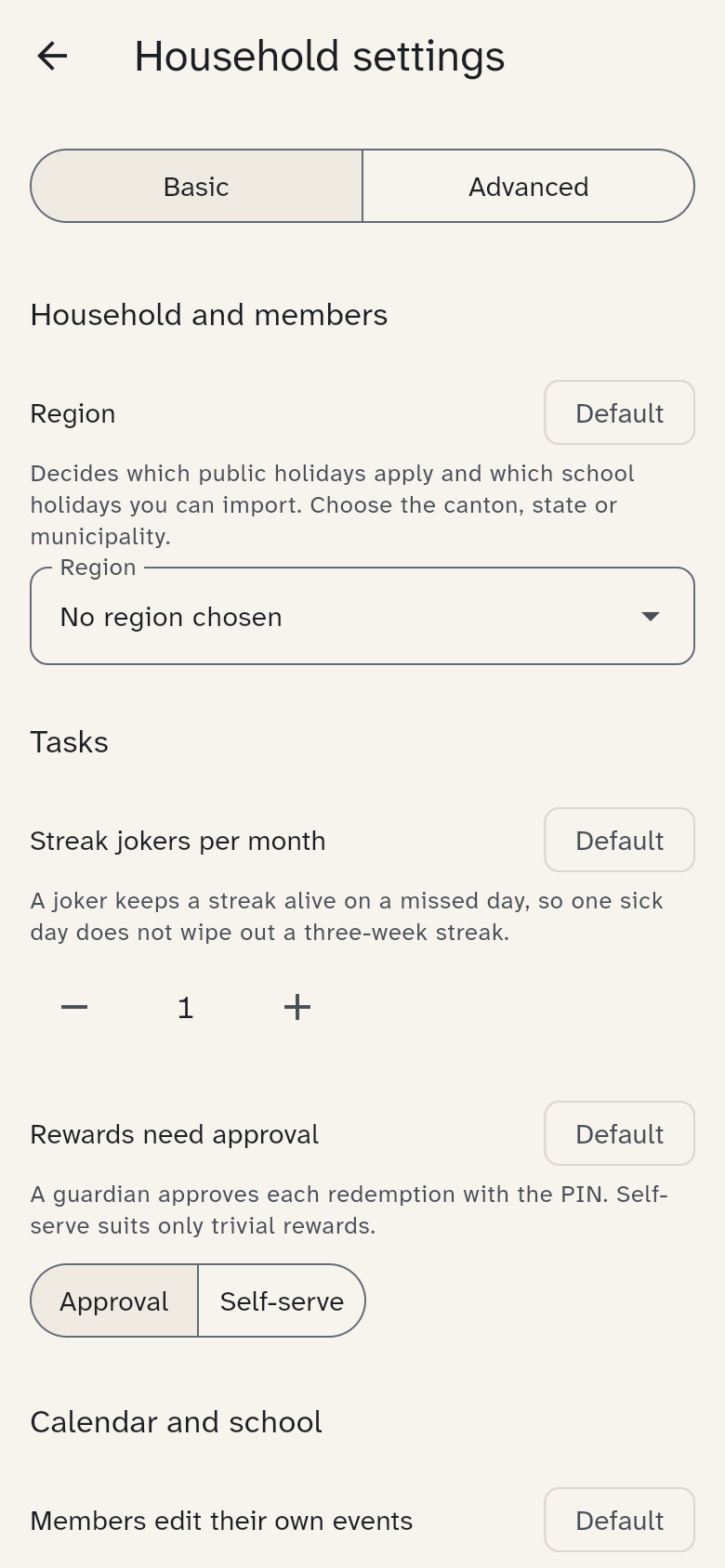
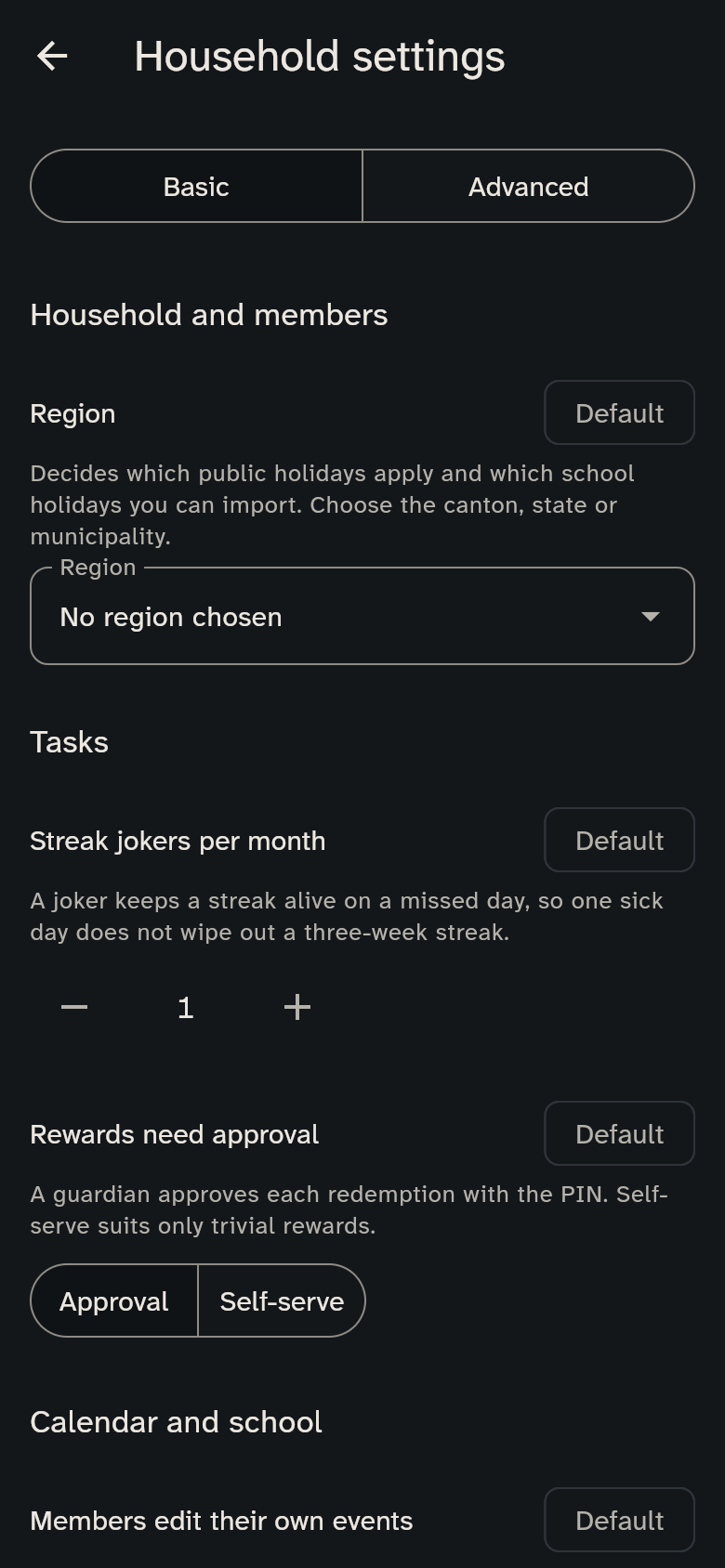
The Basic view shows only the most important ones: the region, streak jokers, whether rewards need approval, whether children change their own appointments, the warm meal on school days and free days, this device's night hours, the sound when a chore is ticked, the morning summary and the reminder before appointments. Advanced shows all the others (switch at the top, or tap Show all settings at the bottom). Hidden settings still apply.
Every setting has a default, which WuselWall suggests. It suits most families. If your value differs, the setting says Customised. Reset to default brings it back at any time.
The areas
In the Advanced view:
- Household and members: the region (country, canton or state, municipality) that public and school holidays follow, and whether the kitchen wall shows full names or only initials. You choose the region when you add the first school; you can change it here later
- Tasks: points for a duty and for a bonus chore, whether new chores are duties or bonuses, whether guardians check chores, how many streak jokers there are per month and whether rewards need approval
- Calendar and school: whether children change their own appointments, which new appointments appear on the kitchen wall, when uncertain appointments are asked about, whether children may report timetable changes and whether the equipment hint appears
- Meals: whether there is a warm meal on school days and on free days (weekends, public holidays, school holidays), that away means not eating, and until when care counts as lunch
- Kitchen display: when the wall moves on to the coming week, where morning, afternoon and evening split, the night theme hours and when an opened detail returns to the wall
- My settings: the sound when a chore is ticked, the morning summary, reminders before appointments, and notifications when a chore is confirmed or a reward is requested. These apply only to the person you chose at the top.
Each setting's description is right below it and explains what changes.
Try the defaults first
The defaults are a good start. After two weeks of use, have a look whether anything bothers you.